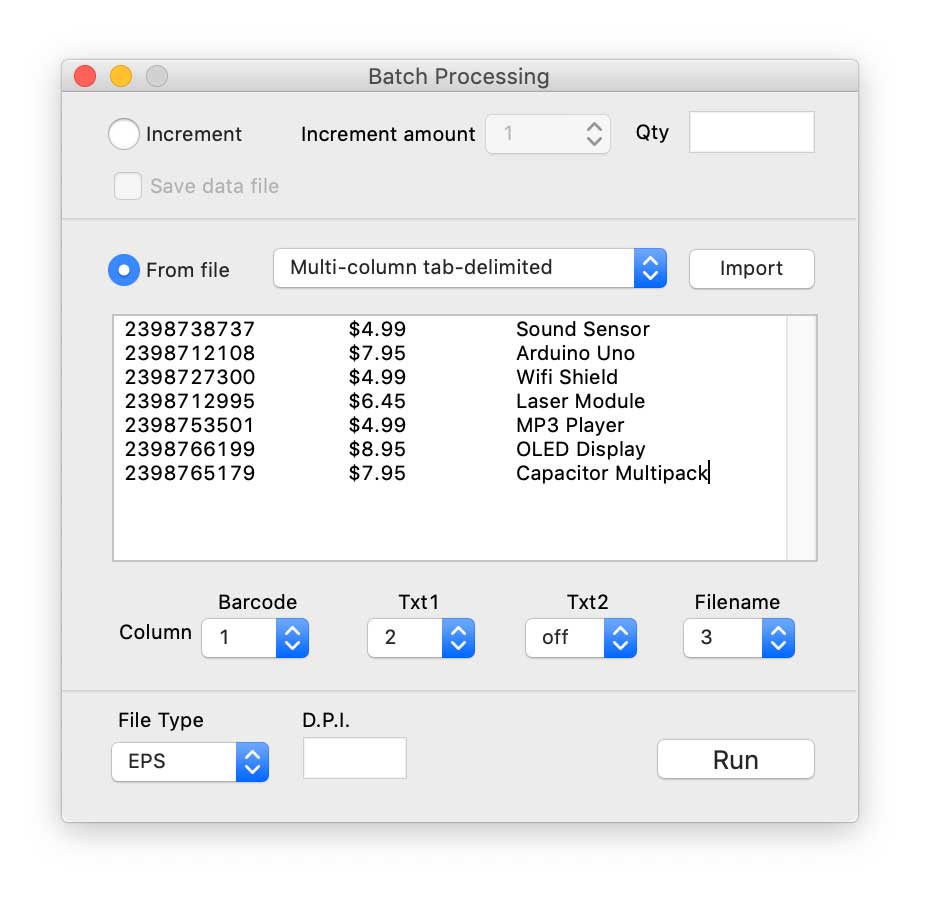
The Batch Processing Window is accessed from the Settings Menu. Here you can program the production of batches of barcode files.
Batches are created from an incrementing sequence or by importing bar code data from an external text file.
External files may use tab, comma or return as separator characters.
As well as the barcode data, the content for the 2 text fields can also be imported as can the file name.
If you're using a barcode with an add-on (e.g. ISBN-13+5) you can import the add-on data by joining it to th eend of the main code data.
Files are saved automatically as EPS, PDF, TIFF or JPEG files.